


Description
Download Microsoft Copilot APK – AI Assistant, Productivity Tool, Creative Design, GPT-4, DALL·E 3
Overview
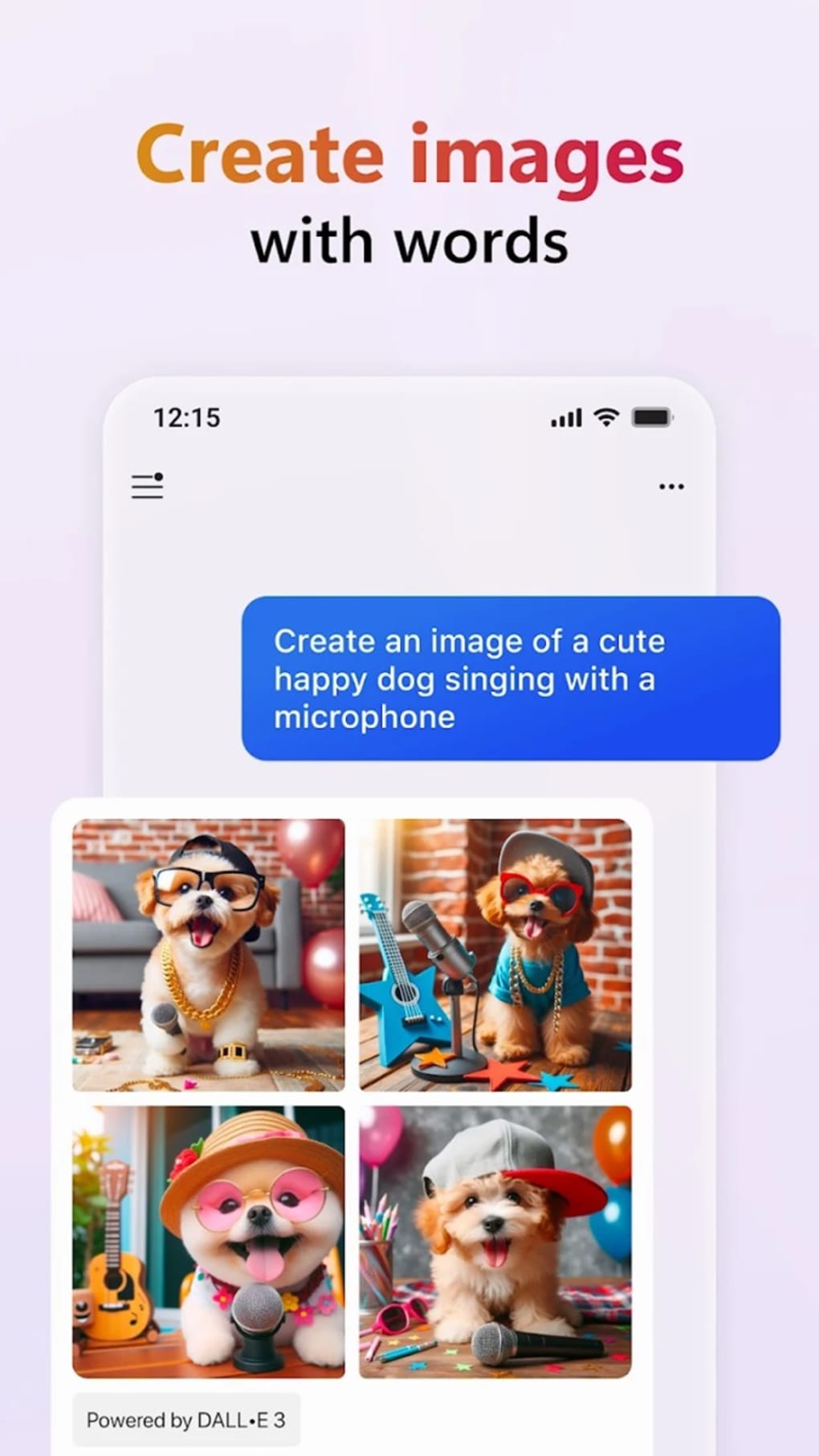
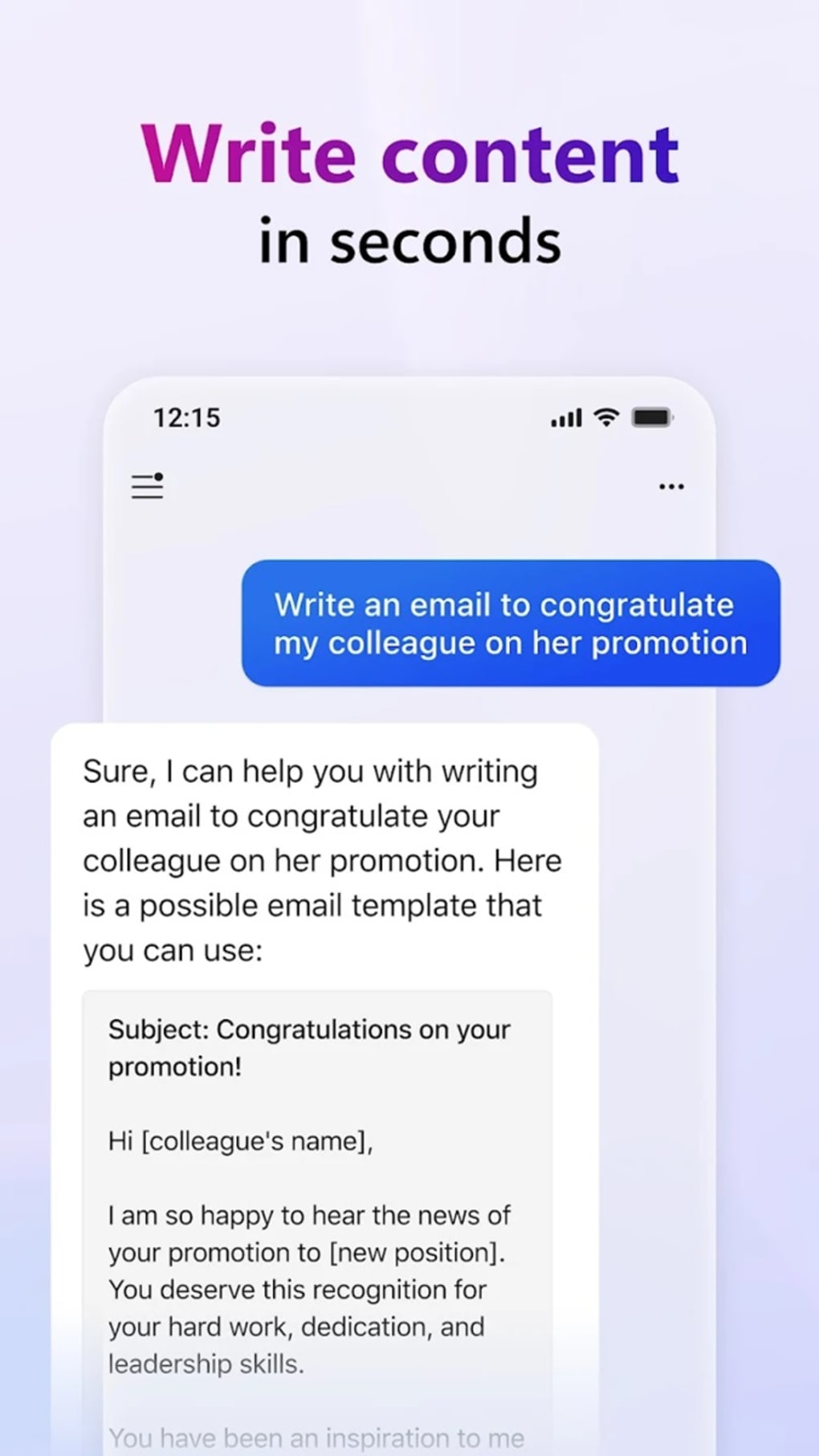
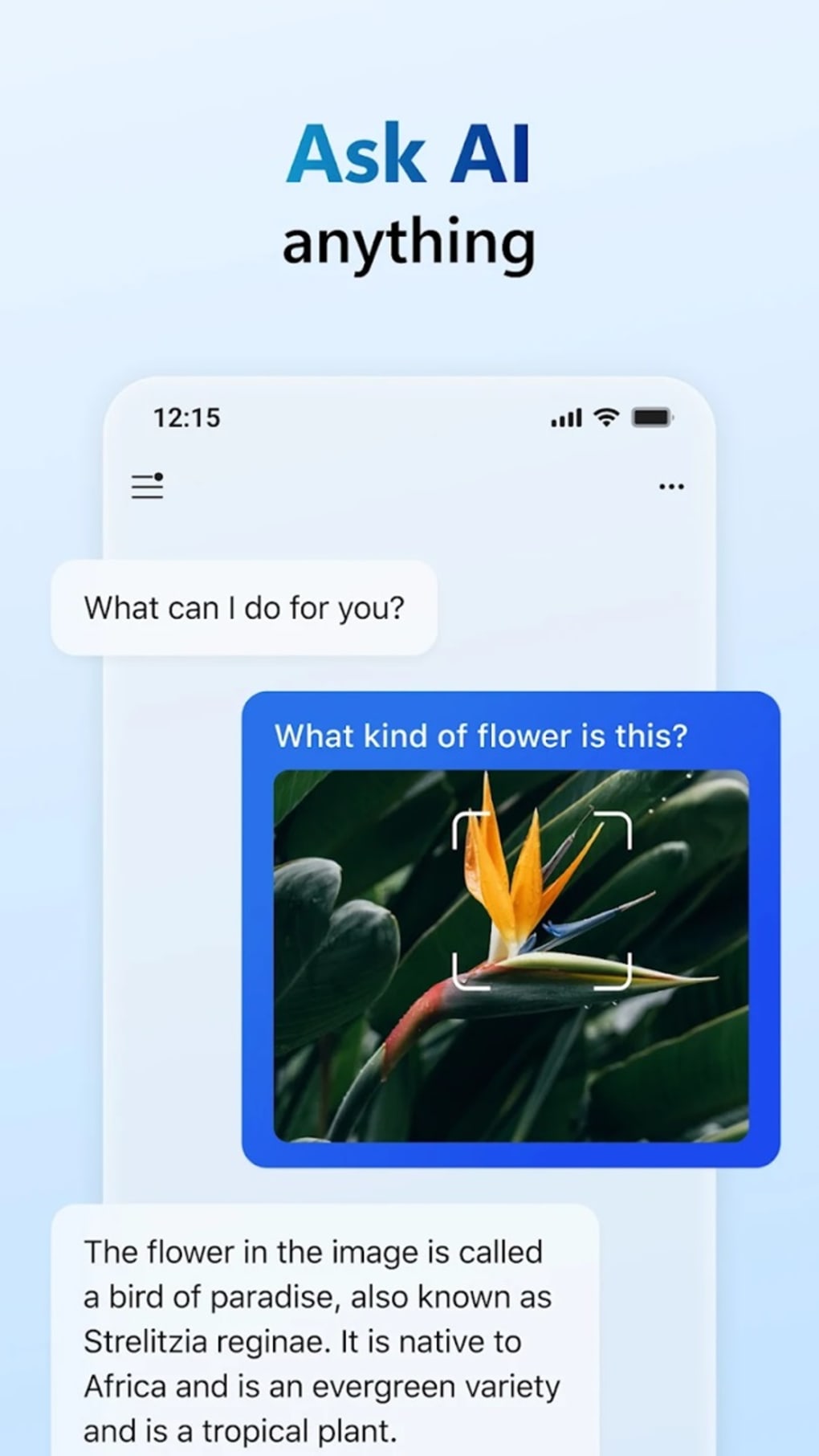
Microsoft Copilot is a desktop application designed to enhance productivity and creativity through artificial intelligence. Built on advanced models such as GPT-4 and DALL·E 3 from OpenAI, the software offers intelligent assistance across a range of tasks, including drafting messages, summarizing documents, and generating visual content. It serves professionals, students, content creators, and designers seeking to streamline workflows and unlock new creative possibilities. The tool integrates natural language processing with image generation, enabling users to transform text prompts into high-quality visuals. This dual functionality positions Microsoft Copilot as a versatile utility for both cognitive and creative workloads. Real-world use cases include composing professional emails, generating concept art, designing social media assets, and creating visual storyboards for projects. The application supports a seamless interaction model, allowing users to engage with AI through conversational input. While the developer did not provide additional details about the company’s background or specific development history, the integration with Microsoft’s ecosystem suggests a focus on enterprise and personal productivity. The software is intended for users who value efficiency and innovation in their daily digital tasks.
Key Features & Capabilities
- AI-Powered Text Generation: Leverages GPT-4 to produce accurate, context-aware responses for writing, editing, and summarizing text across various formats and domains.
- Image Creation via DALL·E 3: Translates descriptive text prompts into high-resolution visual outputs, supporting creative design tasks such as logo creation, background generation, and concept art.
- Seamless Workflow Integration: Designed to work within existing workflows, enabling quick access to AI assistance without disrupting user activity.
- Voice Command Support: Allows users to interact with the software using spoken input, facilitating hands-free operation and faster task execution.
- System Automation Features: Offers command-based automation for routine system actions, such as managing storage, organizing files, and adjusting settings.
These capabilities enable users to accelerate content creation, reduce repetitive tasks, and explore visual ideas with minimal effort. For instance, a marketer can generate a series of social media visuals from a single prompt, while a student might summarize a lengthy research paper in minutes. Designers can use the image generator to prototype branding elements, and professionals can draft and refine emails using AI suggestions. The combination of linguistic intelligence and visual generation makes Microsoft Copilot a multifunctional tool suitable for diverse digital environments. The software’s ability to handle both textual and visual inputs positions it as a bridge between writing and design workflows, enhancing efficiency across disciplines.
User Interface, Workflow & Performance
The user interface of Microsoft Copilot is designed for intuitive navigation, featuring a clean layout with a central input field for text and image prompts. Users can switch between text and image modes seamlessly, with visual feedback displayed in real time. The workflow emphasizes simplicity: users type a request, receive an AI-generated response, and can refine or export the output with minimal steps. Interaction is primarily text-based, with optional voice input for hands-free use. The application supports rapid response times, though exact performance metrics were not specified. The developer did not provide detailed information on CPU or RAM usage, so general behavior patterns are assumed. Stability during extended use is expected based on standard desktop application design principles. However, specific performance observations are limited due to the lack of technical documentation. No reported crashes or errors were mentioned in the provided data. The overall user experience appears optimized for speed and clarity, aiming to reduce friction between idea and execution. Users can expect a responsive interface that supports efficient iteration, particularly when generating creative content or refining written material.
Compatibility & System Requirements
Microsoft Copilot is available for Windows and Mac operating systems, with a specified version and installation size. The software is designed to run on modern desktop environments, though exact hardware requirements were not listed. Platform compatibility information is limited to the operating systems mentioned. The developer did not specify minimum processor speed, RAM capacity, or storage space needed for optimal performance. The application may require a stable internet connection to access cloud-based AI models, but this was not confirmed. The installation file size is provided, but details on disk space usage during operation are absent. Users should ensure their system meets general desktop software standards to run the application smoothly. For users unsure about compatibility, the developer did not offer a compatibility checker or system diagnostic tool. The software is intended for use on personal computers and may not be optimized for mobile or tablet devices, despite the mention of an APK file.
Pros and Cons
Pros
- Integrates advanced AI models like GPT-4 and DALL·E 3 for high-quality responses and visual generation.
- Supports both text and image-based workflows in a single application.
- Offers voice command functionality for hands-free interaction.
- Enables automation of routine system tasks through command-based controls.
- Designed for fast, intuitive use with minimal learning curve.
Cons
- Image generation is limited to 30 prompt slots, which may restrict heavy users.
- Lacks persistent chat history, making it difficult to revisit past interactions.
- Editing or rewriting previous responses is not supported.
- Voice input defaults to the user’s location language, with no customization option.
- APK version availability may raise concerns about security and authenticity.
FAQ Section
Is Microsoft Copilot available for Windows and Mac?
Yes, the software is designed for both Windows and Mac operating systems, though specific version details were not provided.
Is Microsoft Copilot free to download and use?
Yes, the application is offered at no cost, with access to core AI features available to all users.
Does Microsoft Copilot require an internet connection?
Yes, the software relies on cloud-based AI models, so a stable internet connection is necessary for full functionality.
Can I use Microsoft Copilot offline?
Based on the provided information, the application requires online access to utilize its AI capabilities. Offline functionality was not confirmed.
What type of license does Microsoft Copilot use?
The software is distributed under a free-to-use license, though the exact license type was not specified in the input.
Final Thoughts
Microsoft Copilot represents a significant step forward in AI-powered desktop utilities, combining linguistic intelligence with visual creativity in a single interface. Its integration of GPT-4 and DALL·E 3 enables users to tackle complex tasks with ease, from drafting professional content to generating original artwork. While limitations such as restricted prompt slots and the absence of chat history may affect long-term usability, the overall value proposition remains strong. The tool is especially beneficial for creatives, educators, and professionals seeking to enhance their workflow efficiency. With its intuitive design and powerful AI backbone, Microsoft Copilot stands out as a modern productivity companion. Despite the lack of detailed technical specifications, the application demonstrates a clear commitment to innovation and user empowerment. Download Microsoft Copilot APK now and unlock the future of intelligent assistance.
Guides & Tutorials for Microsoft Copilot APK
How to install Microsoft Copilot APK
- Click the Preview / Download button above.
- Once redirected, accept the terms and click Install.
- Wait for the Microsoft Copilot APK download to finish on your device.
How to use Microsoft Copilot APK
This software is primarily used for its core features described above. Open the app after installation to explore its capabilities.
User Reviews for Microsoft Copilot APK 0
No reviews found